
How to Create Your First WordPress Website in 2026
How to Create WordPress Website First
I’ll never forget the first website I ever tried to build. I purchased a domain name at 11 p.m. On a Tuesday with zero previous experience, convinced I was minutes away from unleashing the next Google. Within the next hour, I’d blown out my brain on 17 browser tabs and had precisely zero dollars and zero website on the internet.
Does that sound familiar?
You landed here because you’re determined to launch your WordPress website, but the instructional “step-by-step, click this, then click this” approach has left you feeling more robotic than your router. Building a website is NOT like assembling a flat-pack desk. Let’s sit down with a coffee and have a chat about what really matters, what’s a bunch of nonsense, and where everyone blows their first weekend on WordPress. The vast majority of all the websites online use WordPress.
As W3Techs data shows, more than 40% of the internet relies on this content management system.
What this means for you is two fold. First, it means the platform is capable of a truly remarkable range of applications – you can use WordPress to create anything from the simplest personal blog to the most complex online business with full e-commerce capabilities. However, secondly, popularity does not equate to ease of use.
If WordPress is the king of website building it is because it is so incredibly versatile – and versatility requires decisions on your behalf.
Why People Keep Choosing WordPress Over the Shiny New Builders
New year, new drag-and-drop website builder that is “easier than WordPress.” Squarespace, Wix, Webflow – all good products, but not all products tackle the same problem.
Here’s the honest breakdown:
| Factor | WordPress | Squarespace / Wix | Webflow |
| Cost | Low — hosting + domain, often under $10/month | Moderate to high, bundled pricing | Moderate to high |
| Flexibility | Huge — 44,000+ plugins and open-source code | Limited to built-in features | High, but requires design/code fluency |
| Ownership | You fully own your files and data | Platform-dependent | Platform-dependent |
| Growth potential | Scales from hobby blog to enterprise | Caps out quickly for complex needs | Good, but steep learning curve |
| SEO control | Extensive, thanks to plugins like Yoast | Basic, built-in only | Good |
But the fundamental difference between us and you will NEVER be a set of features listed on a specs page- it’s ownership. With WordPress, you do NOT lease space on a server belonging to some entity or another. If at any time you wish to change web host, do a total redo of your website, or even scale into an empire, your data and files can move where ever you need them to. Have a similar task performed on a ‘closed system builder,’ and you’ll begin to see the reason many companies wind up migrating to WordPress, instead of the other way.
The Foundation Nobody Talks About Enough: Domain and Hosting
You think about domains and hosting as something to quickly get out of the way before the fun begins. And in doing so, you are opening yourself up for future pain.
Your domain is the address of your website and your hosting is where all of your website files are actually located, just as an address on a street guides people to a particular piece of land.
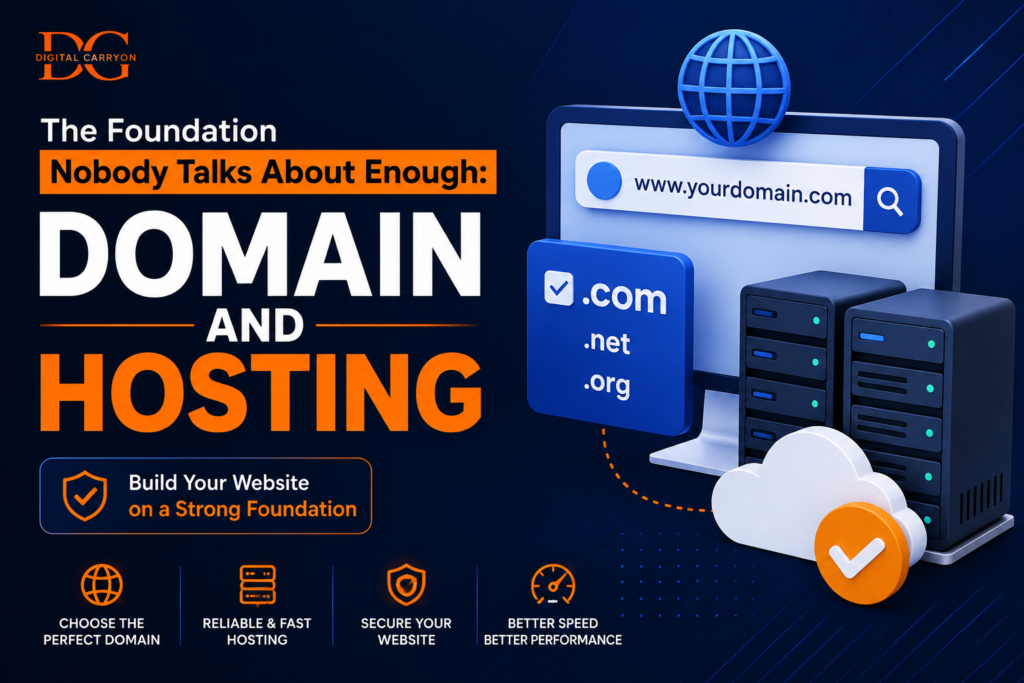
If you make solid decisions in this phase, the remaining parts of your process should feel much less painful. Here are a few hard-won lessons I have learned about domain names:
- Keep it short and memorable (if you constantly have to spell out your domain for someone, you are going to run into problems).
- Avoid hyphens and random numbers unless they are very obviously a core part of your branding strategy.
- Try to avoid being paralyzed in search of the perfect name (an ok name and the ability to launch today is better than the perfect name sitting in your notes for the next three months).
For hosting, the direct truth from me to you: My preferred and what I recommend to all of my friends who ask me “where do I even begin?”
is Hostinger. It is inexpensive, includes super simple one-click WordPress installs and still perform well even with its cheapest plans. (Through my referral link for Hostinger, you will also get Elementor Pro and some powerful Gutenberg specific plugins thrown in for free as a value add.
The combined cost of these ordinarily would be thousands! One of the best decisions beginners face early on is the page builder, and these tools make designing easy). You can also consult the official WordPress.org list of recommended hosting partners to compare more options.
A Quick Clarification That Trips Up Almost Everyone
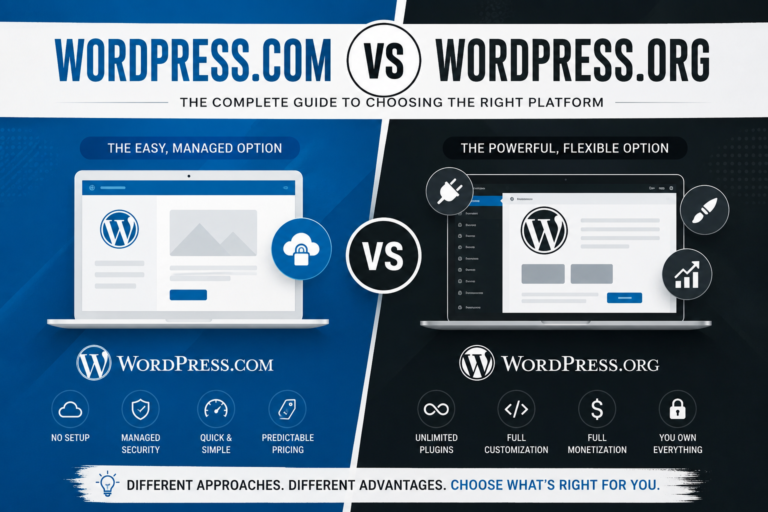
There are really two entirely different products called “WordPress,” and confusing them can create some very painful downstream issues down the road.
WordPress.org The free, open-source software that you install yourself on your own hosting, giving you the most flexibility to customize design, monetize, and add functionality. WordPress.com The hosted version by a company, where they manage things for you, and offer a more constrained experience unless you subscribe to higher-tier plans.
The one that people usually mean when they say they want to “build a WordPress website” (i.e., build an actual, monetizable, flexible website) is WordPress.org self-hosted with an agency like Hostinger.
If you care about the deep technical differences, the folks at WordPress.org explain it on their site here.
Getting WordPress Installed Without the Drama
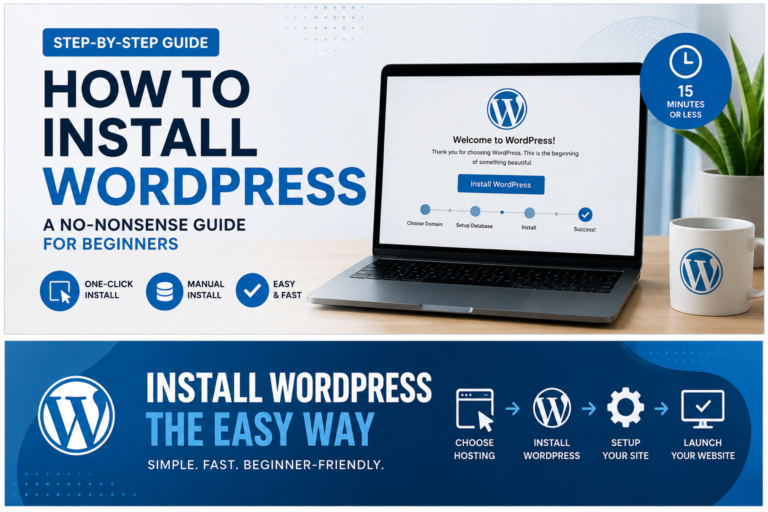
Before this, setting up WordPress was like being an IT pro. It’s not like that now. Virtually every hosting control panel – including Hostinger’s – has an in-account WordPress installer that, in a click or two, you can set up.
You’ll likely have a live (but empty) WordPress site within minutes of choosing a plan.
Pro tip from experience: Write down the login details you choose. I locked out of a client’s site for two days once assuming “I’ll totally remember it”.
Choosing a Theme Without Falling Down a Rabbit Hole
Here, many end up spending hours sifting through the theme marketplaces based on aesthetics only. Fight the urge. Instead, focus on the functionality of the website first – is it a business page, a blog, a portfolio, an e-commerce store?
Then, prioritize speed and updates, as well as mobile responsiveness, which plays a vital role in how Google perceives your page.
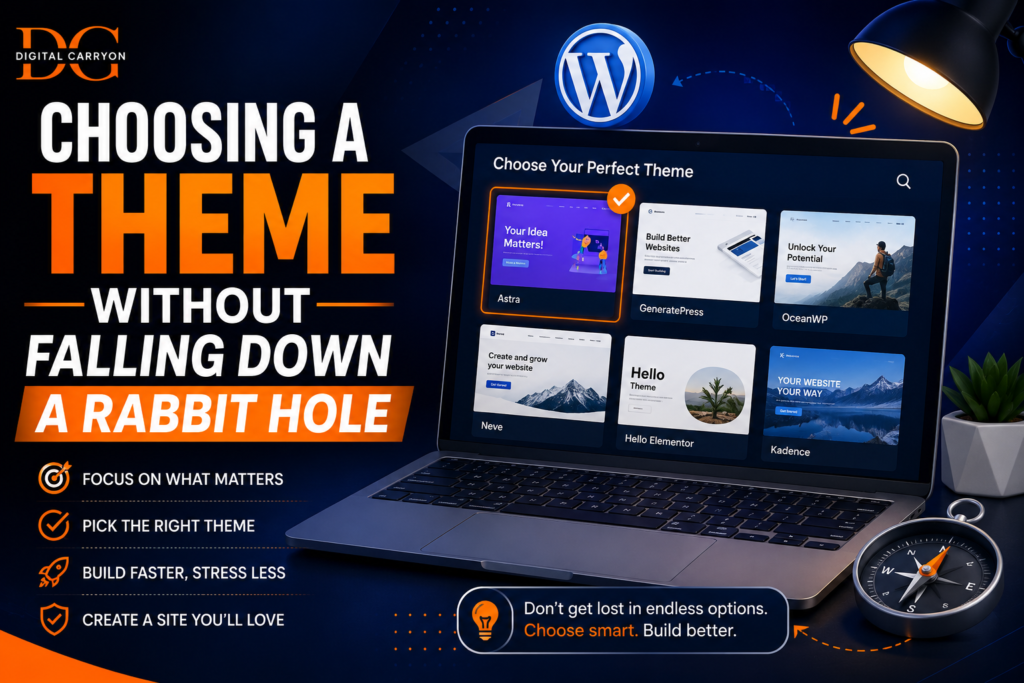
Keep a close eye out for theme examples such as Astra, Kadence, and GeneratePress. If you want a user-friendly website, go with some of WordPress’s default themes to start with. Steer clear of over-hyped themes that are packed with Animations or other stuff you’ll rarely use, which weigh down your website considerably and tend to result in slower performance as a consequence. Create a Website That Encourages Users to Take Action The ‘About’ Page, Contact Page, Home Page and Blog will Form the Basis Of Your Website After you’ve set up your ideal theme, start focusing on building and designing your home page and ‘about’ us page that will highlight your website’s goal and personality, respectively.
The contact us page needs to be easily found by your visitors.
Similarly, whether your site is an online business or a blog, it needs a strong ‘blog’ page or a page that details all the products and services offered by your site, and the Contact us form has to be easily identifiable and accessible. You will get a ton of options when using the Block Editor (Gutenberg), as the WordPress website creator lets you customize every bit of your website, from images and text blocks to social buttons, without any coding skills. In fact, the offer by Hostinger also includes a free premium Elementor page builder that makes it much simpler to customize and create beautiful pages for your site.
Plugins: Less Is Genuinely More Here
Plugins extend what WordPress can do, but a bloated plugin list is one of the fastest ways to slow down and destabilize a brand-new site. For a first website, a lean stack covers almost everything you need:
| Plugin Type | Purpose | Example |
| SEO | Optimize content for search visibility | Yoast SEO or Rank Math |
| Security | Block malware and brute-force attacks | Wordfence |
| Speed | Improve load times through caching | WP Rocket or W3 Total Cache |
| Backups | Automatic protection against data loss | UpdraftPlus |
| Forms | Contact and inquiry forms | WPForms or Contact Form 7 |
The very small stack that is the default setup can host and run a perfectly solid, fast and secure website right out of the box. Only add an events calendar, member system or a WooCommerce store as required. I once inherited a site with over 47 active plugins! I spent an afternoon trying to find out what 46 of them actually did.
Security and Backups Aren’t a “Later” Problem
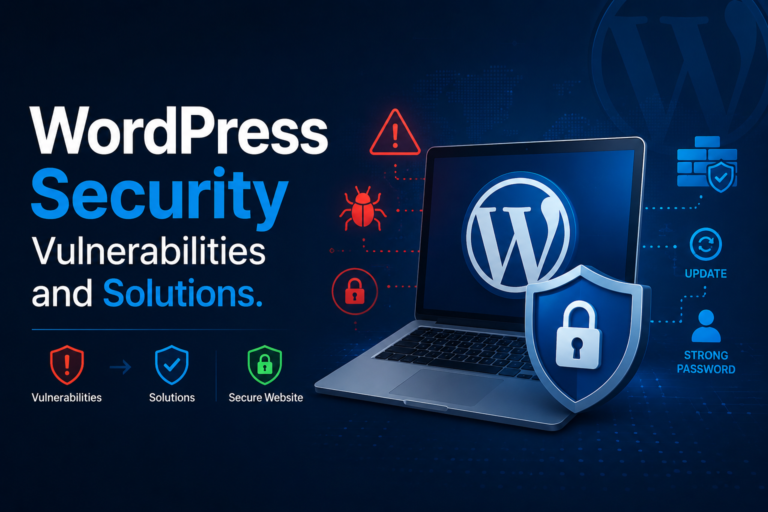
New site owners often relegate security to the bottom of the list. In fact, according to Sucuri’s website threat research, out-of-date software and weak login credentials are still among the most common reasons for WordPress site breaches, and both are completely avoidable. A strong and unique password (stored by a password manager, perhaps) for your administrator account, and 2-factor authentication (if enabled on your hosting plan or by a security plugin) go a long way.
Keep your WordPress core, plugins, and themes up-to-date, as they mostly provide security updates in lieu of adding new features. And arrange to make automatic backups, to avoid losing a whole mess of your work due to a buggy update or attack.
SEO Habits Worth Building In From the Start
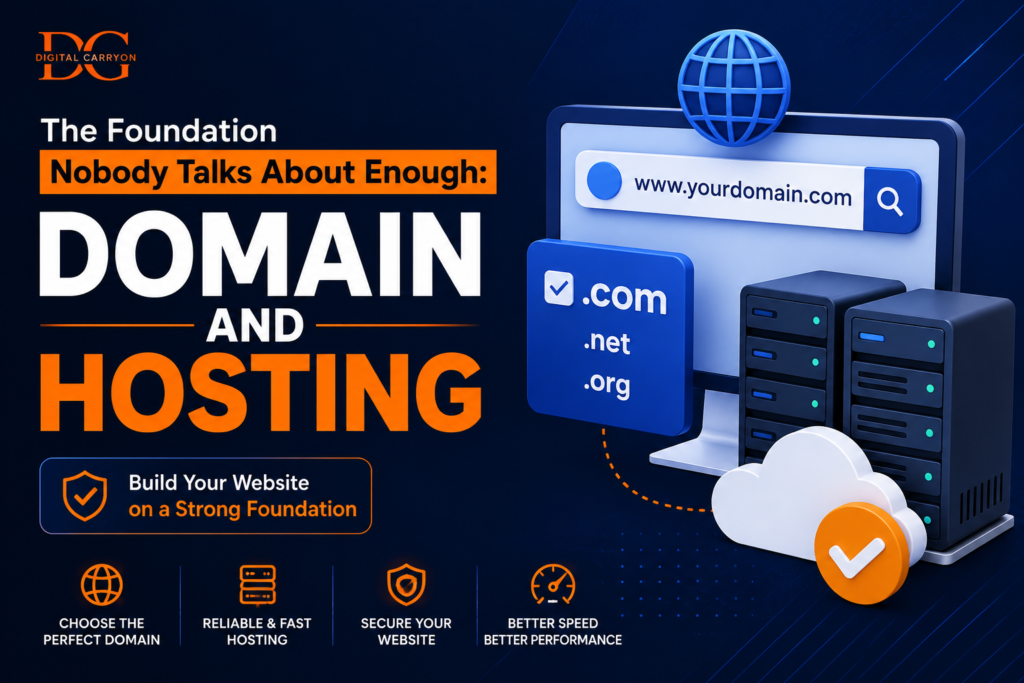
All it costs upfront is next to nothing, but can be incalculable later on. Good SEO Practices from the Start There’s no need to become an expert at SEO before launch day, but a few things now will save you tons of headaches down the road. Give each page a clear title and meta description with a relevant keyword; use descriptive URLs rather than plain old default numbers; add alt text to all your images; and break up your content with headers so that humans and search engines can easily digest it. For more on this topic once your site is online, consult the authoritative source on the subject, Google’s own SEO Starter Guide .
The Pre-Launch Gut Check
Before you share your site with everyone on the planet, spend the afternoon clicking through every single page and link on it to make sure there aren’t broken pages or images. Check it on both your laptop and your phone, run it through Google PageSpeed Insights to ensure it loads quickly, and actually send a test email through your contact form to ensure it works. And then go over it one more time. Nothing destroys the first impression like typos.
As appealing as it might be to launch as soon as it seems “ready,” give yourself one extra day to test it from the perspective of someone who has no clue about your brand or your project.
Mistakes Worth Avoiding (Because I Made Most of Them)
There are some predictable trends we see among new site owners – they over-customise a new site, pushing out launch date way past anything worth saving quality, for instance. Many neglect mobile optimisation, and in the year 2020 more than 50 percent of all web traffic is on smartphones! A lot of people also forgo backups, until disaster has struck. They select a theme only on aesthetics, without a glance at its speed rating or maintenance history.
The Bottom Line
When you’re learning how to build your first website with WordPress, the goal isn’t to have everything nailed down to the inch on day one. The goal is to set up something decent that you can then iterate and build upon. The first site I built with WordPress was slow, it was awkward, it was kind of a monstrosity when I go back and think about it, but it actually taught me a whole lot more about building for the internet than any tutorial could. I actually learned how to build it because I did it, not just because I read about how to do it.
Ready to stop reading about it and actually build it? Sign up for Hostinger through my link here and lock in reliable, beginner-friendly hosting today — plus you’ll get Elementor Pro and Gutenberg-focused plugins free, so you can design your site properly from day one without paying extra for the tools that make it look professional. Grab your plan, install WordPress in a few clicks, and give yourself one weekend to get a basic version live. Once it’s up, drop a comment below with a link to your new site — I’d genuinely love to see what you build.

Great content! Keep up the good work!