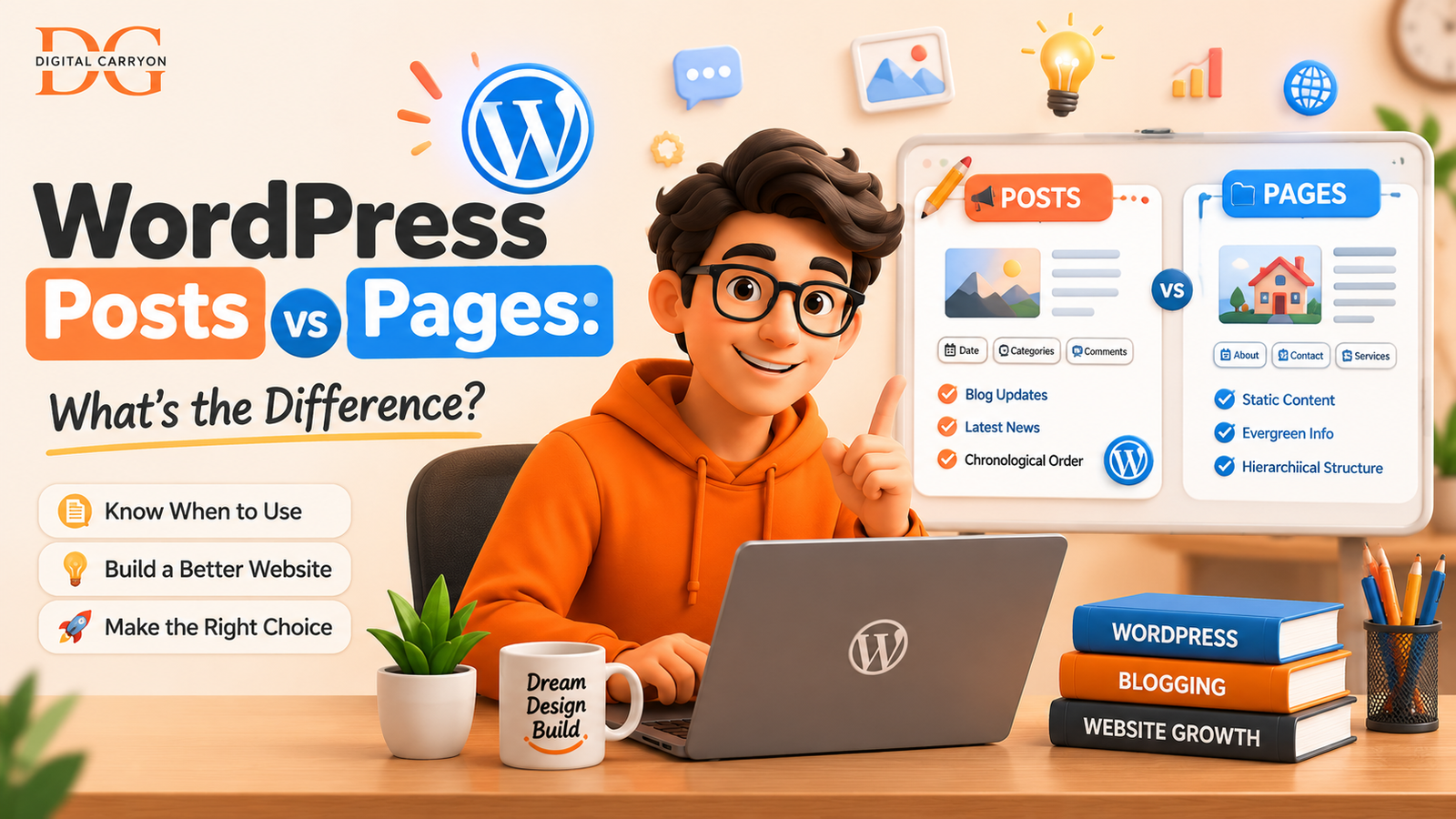
WordPress Posts vs Pages: What’s the Real Difference?
WordPress Posts vs Pages ?
I still vividly remember the first WordPress website I ever constructed – a casual coffee roasting blog. I dropped in my “About Me” blurb in a post, published my initial trio of brewing assessments as pages, and then sat for a full fortnight scratching my head as to why the front page of my site resembled a random jumble sale of everything. Not a single thing seemed to appear in its logical place.
That confusion all stemmed from one factor alone: my lack of comprehension when it came to how WordPress posts vs pages differ. And truthfully, I’m in good company; the difference is indeed one of the most prevalent confusion points for newcomers to the system, according to the official WordPress.org docs which, years after both content types’ introduction, are still bombarded with these very questions from novices.
uperficially, both posts and pages look virtually identical. They reside in the same editor. They support the use of the sameblocks. They both house text, imagery and embeds. However, underneath the surface, these are functionally disparate. Employing them in a manner they weren’t intended for can stealthily compromise your site’s framework, Search Engine Optimization and even long-term functionality.

This tutorial provides an exhaustive explanation of the differences between them, outlines circumstances where to utilize each type of content, and presents the lessons I have gleaned over many years of developing and deconstructing WordPress sites (some of which were definitely learned through painful trial-and-error).
A Quick History Lesson First
It wasn’t always the powerful, flexibleCMS we know today. It actually started life back in 2003 as a blogging tool. That blog was a fork of a defunct blogging tool named b2/cafelog.
Everything it could do was centered around publishing posts.
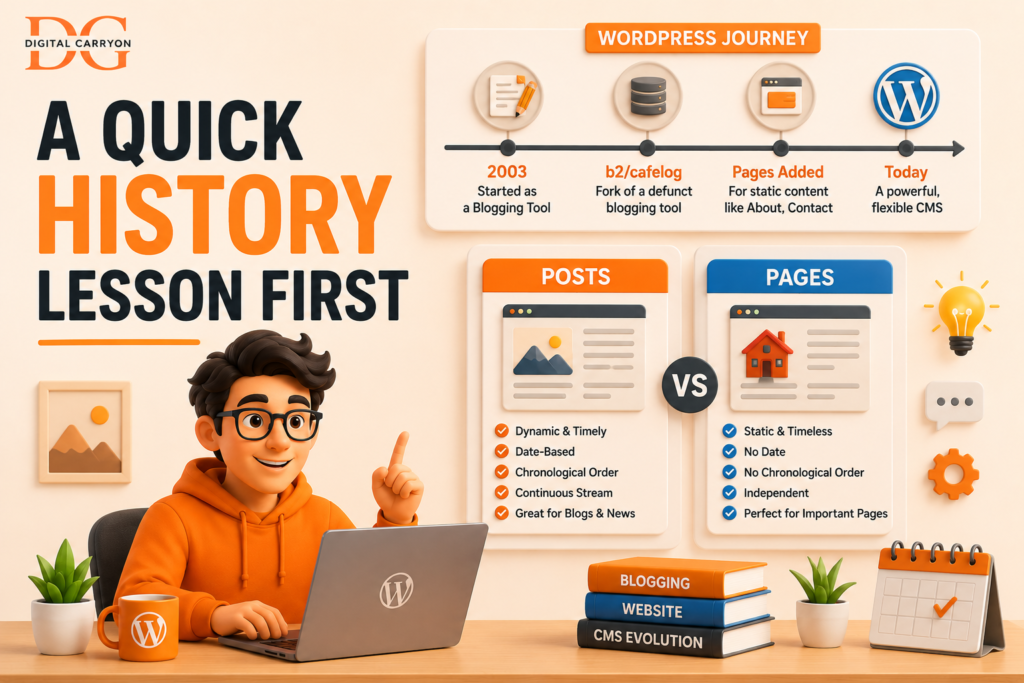
Pages were later added to give site builders an alternative to displaying posts that you’d never have to link back and forth to like ‘About’ or ‘Contact’ pages. The genesis of the two still accounts for nearly every functional difference you’ll find between the two of them today. The core functionality of WordPress posts is that the system inherently treats everything published there as a continually flowing, dated stream of content. It all makes so much more sense when you look back at that genesis.
Pages are designed to exist statically and independently without any real thought towards a ‘previous’ and ‘next’ navigation structure.
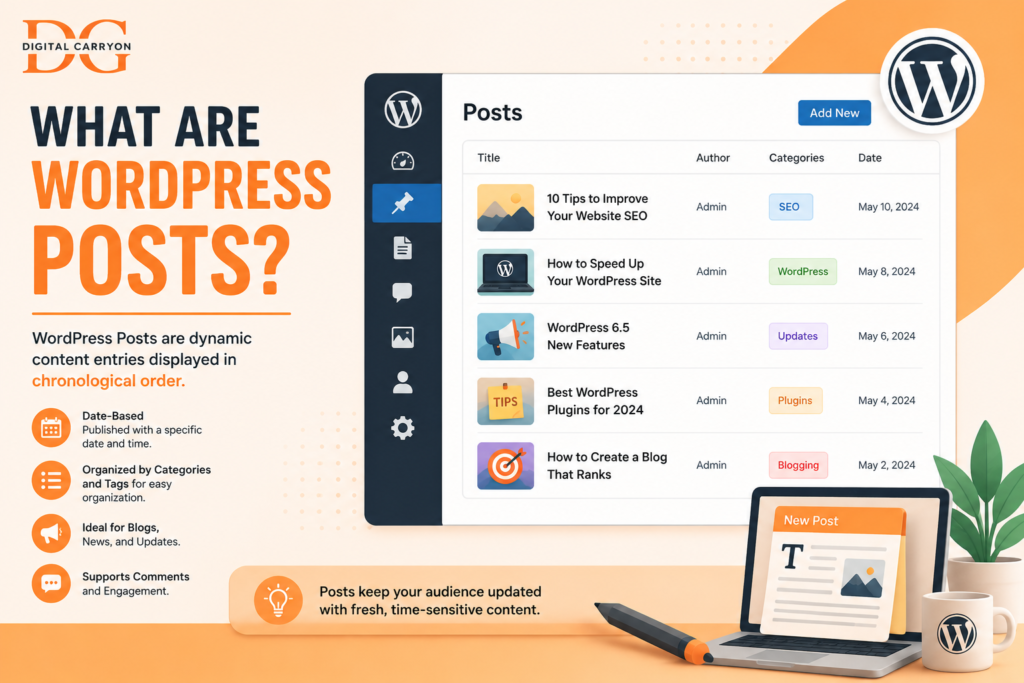
What Are WordPress Posts?
A post is simply the main content type in your blog. They are published over time, listed newest first, organized, filtered and can be referenced in the future.
Anything with a “when it was published” component — a news update, a tutorial, an editorial or a product release announcement — all this falls under a Post.
Features of a Post
- Time-sensitive by design — they publish and date-stamp and generally list oldest first on your site’s feed.
- Organized with taxonomies — you can assign tags and categories.
- Syndicated automatically — they output into an RSS feed for your readers to consume.
- Support comments by default — posts are built for conversation and reader engagement.
- Hierarchical? No. —Not Hierarchical–posts have no parents or children.
Posts are an independent type.
If you have a blog, news site, or some continually expanding reference material — use posts.
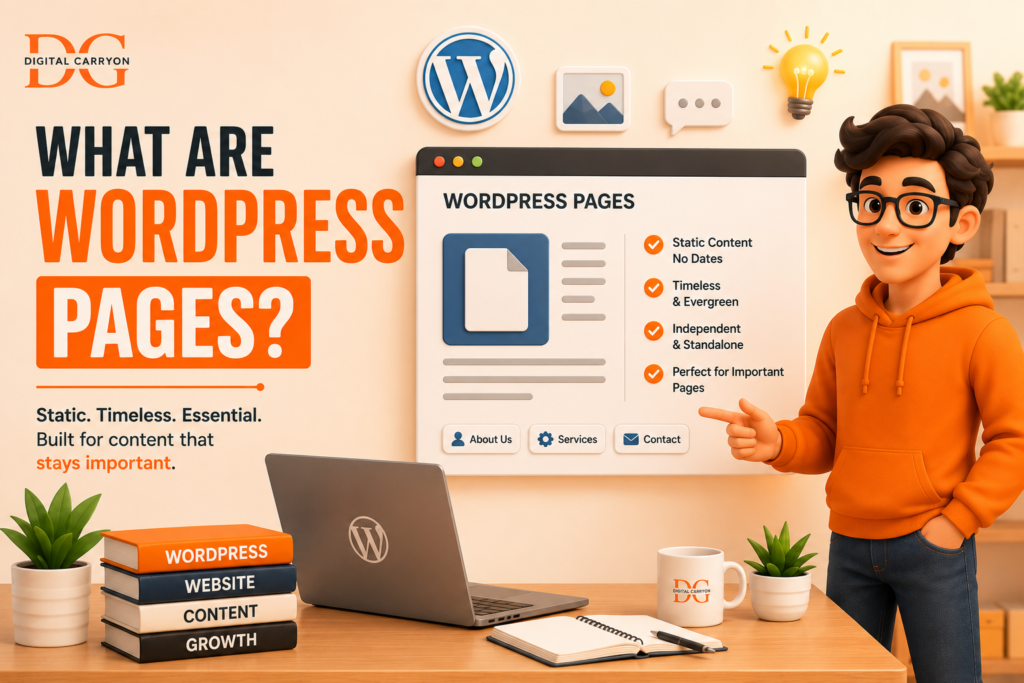
What Are WordPress Pages?
You should have Pages for content that shouldn’t vary with publication date – that content needs to be timeless, a constant. Your Homepage, About Page, Service Pages, Contact Form, Privacy Policy, Page for Each Product or Service Page – Pages
These are the qualities of Pages:
- Static and timeless — Visitors are not presented with a publish date for Pages because, quite frankly, it usually doesn’t matter to them.
- Hierarchical — Pages can contain Pages (like a “Services” Page with “Web Design” and “SEO” sub-pages) which is a perfect feature for site organization and logic.
- No categories or tags — Pages were not designed for feed organization.
- No RSS inclusion — Pages are generally not included in RSS feeds of subscribers since they aren’t a type of “new content.
- Custom templates — Pages very often use their own custom page template (a wide open full-width landing page template, a dedicated contact page layout, etc.), something most Posts do not require.
As described in the WPBeginner Glossary, Pages “ act as the skeleton of a WordPress site, while Posts act as the fleshy tissue of the site.”
It’s an analogy that has always helped me explain it to those who’ve never seen or worked within a CMS.
WordPress Posts vs Pages: Side-by-Side Comparison
Here’s the breakdown I wish someone had shown me on day one:
| Feature | Posts | Pages |
| Purpose | Blog content, time-sensitive updates | Static, standalone content |
| Displayed by date | Yes | No |
| Categories & tags | Yes | No |
| Hierarchical (parent/child) | No | Yes |
| Appears in RSS feed | Yes | No |
| Comments enabled by default | Yes | No |
| Custom page templates | Rarely | Commonly |
| Typical use cases | Blog posts, news, tutorials, reviews | Homepage, About, Contact, Services |
| Found in dashboard under | Posts | Pages |
Why This Distinction Actually Matters (Beyond Semantics)
It’s tempting to think, “They both let me write and publish — who cares?” But the difference ripples out into three areas that genuinely affect your site’s performance.
1. Site Structure and Navigation
Pages are meant to form your site’s skeleton — the pieces a visitor expects to find in your main menu and that rarely, if ever, move. Posts are meant to flow through that skeleton, usually surfaced through a blog page, category archives, or a “Recent Posts” widget.
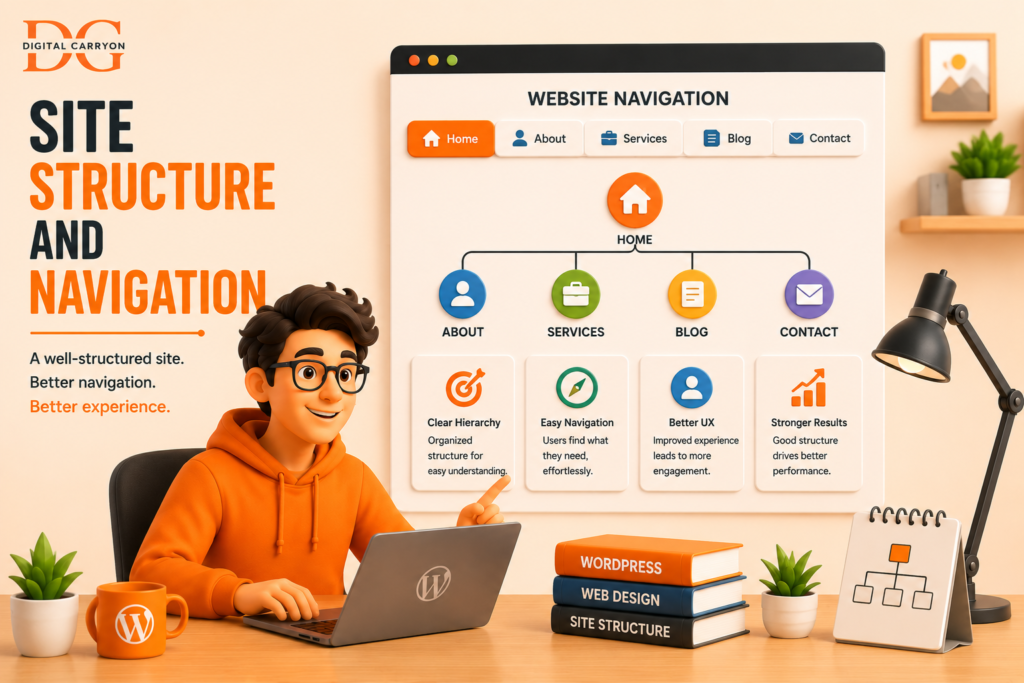
If you build your core navigation out of posts, you’ll find yourself fighting WordPress’s default behavior constantly — posts don’t nest, don’t hold custom templates as easily, and get buried under newer content over time. I learned this the hard way when a client’s “Return Policy” was published as a post; six months later, it had scrolled off the blog feed entirely and was nearly impossible for customers to find through normal navigation.
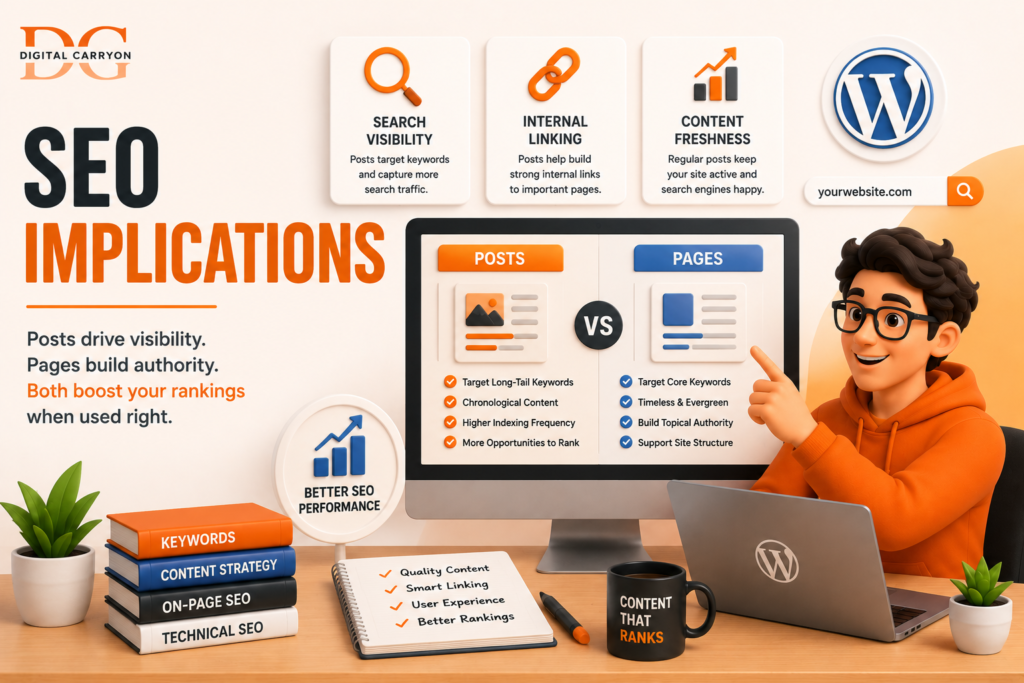
2. SEO Implications
Google treats posts and pages differently in practice, even though both are technically indexable. According to Yoast’s SEO guidance on content types, posts benefit from freshness signals — search engines tend to favor frequently updated, topically-linked content clusters, which is exactly what a well-organized blog (with proper categories and internal linking) provides.
You should have Pages for content that shouldn’t vary with publication date – that content needs to be timeless, a constant. Your Homepage, About Page, Service Pages, Contact Form, Privacy Policy, Page for Each Product or Service Page – Pages. These are the qualities of Pages: Static and Timeless – Visitors are not presented with a publish date for Pages because, quite frankly, it usually doesn’t matter to them.
Hierarchical – Pages can contain Pages (like a “Services” Page with “Web Design” and “SEO” sub-pages) which is a perfect feature for site organization and logic.
No Categories or Tags – Pages were not designed for feed organization. No RSS inclusion – Pages are generally not included in RSS feeds of subscribers since they aren’t a type of “new content.” Custom Page Templates – Pages very often use their own custom page template (a wide open full-width landing page template, a dedicated contact page layout, etc.), something most Posts do not require. As described in the WPBeginner Glossary, Pages “ act as the skeleton of a WordPress site, while Posts act as the fleshy tissue of the site.”
It’s an analogy that has always helped me explain it to those who’ve never seen or worked within a CMS.
3. Content Longevity and Maintenance
Posts are designed to accumulate – you add a new one, it falls in to the archive, and the collection of content expands. Pages are designed to be updated – modified in place as the content or your business evolves, never requiring a ‘part two’. This is why we’ll advise you to ‘prune’ old blog posts and content, but would never tell you to ‘prune’ your homepage; different type, different lifecycle.
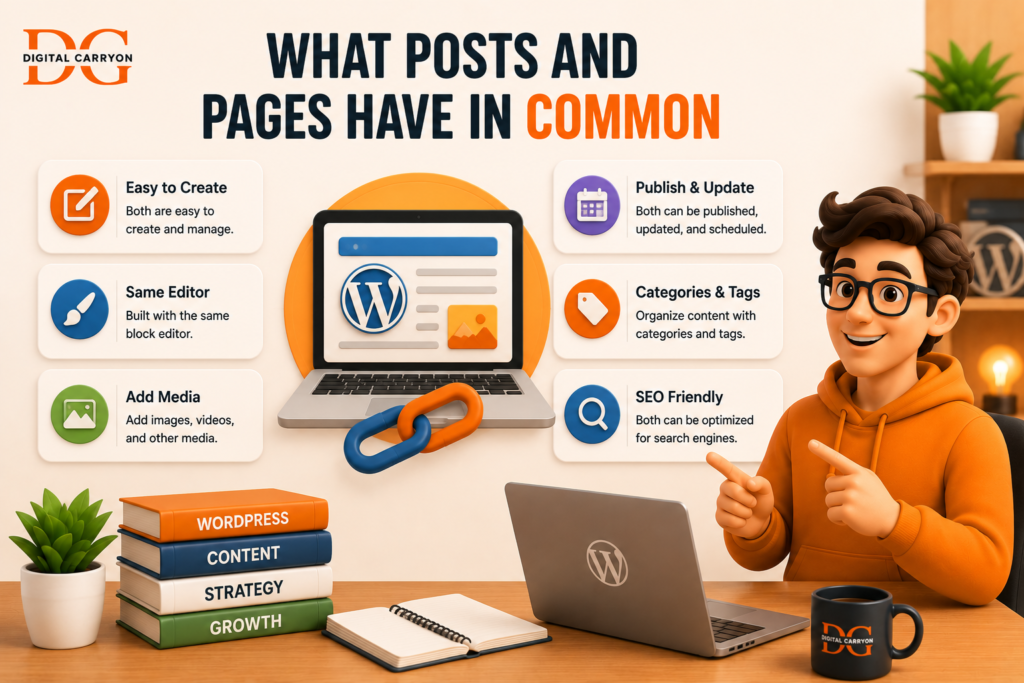
What Posts and Pages Have in Common
It’s worthwhile taking a step back to mention this; because it is this similarity which causes so much confusion.
Both Posts And Pages: use the same Block Editor (Gutenberg) Interface – same editing controls, same block palette, same media selection options can all be set to one of three statuses: ‘Draft’, ‘Pending Review’ or ‘Published’ support featured images, custom fields and excerpts can be scheduled to be published at a future date are all stored in the same database table (wpposts) – WordPress simply stores a posttype field value within to distinguish them. This final point often makes people exclaim ‘aha!’. WordPress’s Posts and Pages aren’t fundamentally different software programmes – they are the same database structure wearing a different set of behaviours. It is also the exact reason custom post types are possible: the core of WordPress is essentially a couple of pre-packaged flavours of a much more flexible content structure.
If we remember the shared foundation, it’s easier to distinguish between the differences, as the ones which are different (hierarchy, feed inclusion, categories, comments etc.) are differences that have been made deliberately, rather than through chance.
All too common errors I see I have reviewed many WordPress sites in my time, and I continually encounter the same posts-vs-pages errors: treating service pages that are expected to be long-lived and visible as posts. These pages end up disappearing under recent blog content within a matter of weeks. Using pages to create an entire portfolio.
While it can work for 5 items, imagine trying to organise, and search through, a portfolio that’s made of fifty pages! We can all forget that pages don’t actually support categories. The “categories panel is missing” on page editing, and you assume something has gone wrong.
It hasn’t.
Treating legal / policy information such as terms of service and privacy policy as posts. Again, these pages quickly get pushed out of visibility by new blog content. Not setting a static homepage. By default WordPress sets the most recently published blog post as the Homepage.
You need to configure your Homepage and Posts page manually by going to Settings Reading.
Common Mistakes I See All the Time
After spending years auditing WordPress sites, here are the posts-vs-pages mistakes that seem to crop up constantly: Publishing evergreen service pages as posts. They fall off your blog feed in weeks and are lost to the abyss. Creating your entire portfolio out of pages instead of a custom post type.
What About Custom Post Types?
The dashboard will become an unwieldy mess, and you have no way to tag or filter items. Forgetting that pages don’t support categories. New users will often search around a page for the “Categories” area and think that something is wrong because it just doesn’t exist.
Using posts for legal content or policy information (Terms & Conditions, Privacy Policy) and then watching the content become ever harder to locate as more blog posts come in.
Not setting up a static homepage. By default, WordPress will simply list your latest posts on the homepage. You’ll want to set up a static page for a better landing page under the Settings Reading options.
Custom Post Types, on the Other Hand Since you’ve dealt with the basic concept of posts versus pages, it’s helpful to know that there’s more to it. WordPress supports custom post types, which essentially allows you to create your own content structure. Think of content types like “Portfolio items”, “Testimonials”, “Products”, “Events”, and so on.
These function somewhat like standard posts in that you can create categories for them and tags, have a custom archive page, and include custom fields.
In fact, much of what popular plugins (and systems like WooCommerce) does relies on custom post types behind the scenes. For example, a WooCommerce “product” is actually its own post type, completely separate from the posts and pages on your site. If you need a large and filterable collection of items that isn’t really a post and isn’t really a page, then a custom post type is almost always going to be your solution, but that is an issue for another post.
Quick Decision Guide: Which One Should You Use?
Still Not Sure? Ask Yourself These Questions:
Choose a Post if:
- Content has a “publish date” that is important to readers.
- It belongs in a chronological feed or archive.
- You want it categorized, tagged, or included in RSS.
- You plan on posting this kind of content regularly.
Choose a Page if:
- Content is static and won’t need to be published again soon.
- It’s fundamental to your site structure (Home, About, Contact, Services).
- It needs to exist within a hierarchy (parent/child).
- It uses a custom layout or template not related to your blog.
Frequently Asked Questions
Can I add comments to a page like a post?
Strictly speaking, yes-comments can be enabled on pages within the block/document settings panel. However, this is quite rare because pages aren’t built for continuous discussion like posts.
Can I turn a post into a page (or vice versa) later? WordPress doesn’t have this functionality built-in, but a plugin like Post Type Switcher allows you to convert content between post types (post to page, page to post, etc.). Just be mindful that categories, tags, and comments may not transition perfectly.
Which type should my homepage be?
In almost all cases, a page. Under Settings > Reading, select “A static page” and then choose your desired page from the dropdown menus for both the homepage and posts page. This grants complete control over the layout rather than relying on a reverse chronological feed.
Do pages negatively affect my SEO because they don’t have categories?
Not at all. Categories are a post-organization tool and have no direct bearing on search engine rankings. Pages gain authority through factors like internal linking, a logical structure, and consistent, relevant content, not by being classified into taxonomies.
Is it problematic to have too many pages?
It’s not intrinsically bad, but if you find yourself creating dozens of nearly identical pages (e.g., individual portfolio items, team member bios, product details), you might be better off using a custom post type-which will provide much-needed filtering and archive capabilities.
Putting It All Together
Ultimately, the WordPress posts versus pages decision isn’t about technical capabilities, but about content strategy. Posts serve as the dialogue your site engages in with the world over time, while pages represent the foundational framework of that conversation. Making the right choice from the outset will greatly simplify your site’s structure, SEO, and long-term maintenance. Getting it wrong, as I did with my early coffee blog, leads to far more effort spent unraveling complications than simply selecting the correct content type initially.
Your Turn
Ever accidentally published something as a post that was actually a page, or the other way around? I’d actually LOVE to hear about in the comments below – those kinds of mistakes happen to everyone, and when you share, the next newbie who is lost will have one less place to get sidetracked! If you’re checking over your own site now, pull up a page in both your Pages list and your Posts list and take a look side-by-side for a few minutes.
You may be shocked at what you discover living in the wrong category.
If this explanation helped you out, why not subscribe for more straight-to-the-point WordPress tips?