
What Is WordPress and Why Does Its Security Keep Site Owners Up at Night
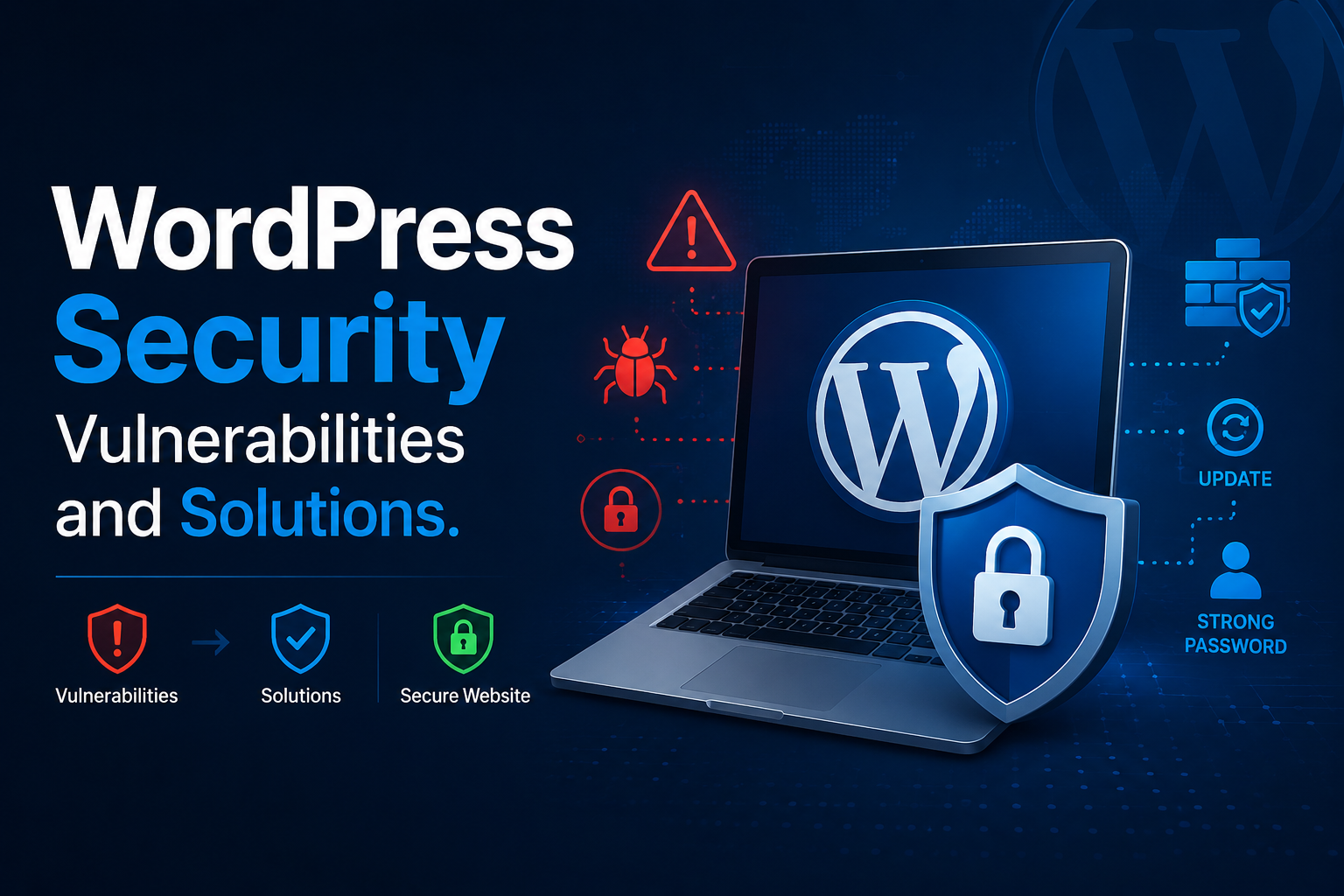
WordPress Security Vulnerabilities and Solutions.
Here’s a frightening stat to kick off your day: WordPress is the content management system behind more than 43% of all websites on the web. And that means it’s also the single largest target for hackers, bots and automated vulnerability scanners we have ever seen on the web. If you were wondering what is WordPress other than “the thing my blog runs on” the brutally honest answer is this: it’s the most widely-used, most customizable, most vulnerable content management system on the internet
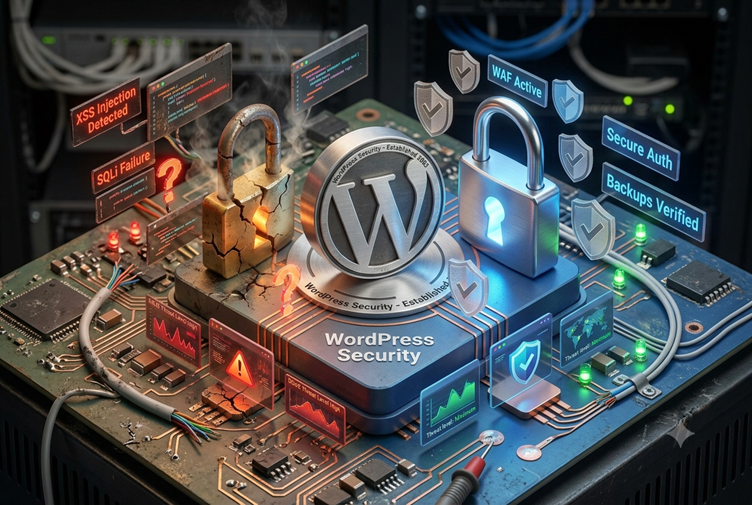
The good news: that is also its biggest drawback.
The open source world that allows a local entrepreneur to do everything a business needs in an afternoon also provides hackers with a vast, easily visible attack surface. Years of cleaning up hacked WordPress sites has shown me that there are common trends of negligence in these sites that crop up over and over again: out of date plugins, lazy passwords, and users assuming that nothing will ever happen to them.
Here’s a simple explanation of what WordPress really is, where its weaknesses are and more crucially-how to repair them before it’s too late.
What Is WordPress, Really?
It’s not that the core WordPress code is insecure. In fact, the core is thoroughly examined and fixed rapidly by WordPress’s own security team. However the problem stems from the huge surrounding ecosystem-over 60,000 plugins and thousands of themes that provide accessibilities not all managed in terms of security.
Consider WordPress core to be a house that has been constructed properly. Typically the vulnerability isn’t the house as the house is sound – it’s the lousy lock someone has got on the side door (a badly coded plugin) or the unlocked window (a weak password).
Common WordPress Security Vulnerabilities
1. Outdated Plugins and Themes
This is, hands down, the number one attack vector for WordPress vulnerabilities. Patchstack’s 2024 WordPress Vulnerability Report states that most of the reported vulnerabilities are outside of WordPress core and applications are attacked through their plugins.
I previously had a client with an outdated contact form plugin a 5 years old. It had a published bug that allowed SQL Injection, got patched 2 years ago but they never updated. Fix took 10 minutes; cleanup took 3 weeks.
2. Weak or Reused Passwords
Brute-force attacks still work again and again because hardly anyone changes the default “admin” user name and leaves the password weak… As we speak bots are hitting existing login pages trying thousands of possible combinations per second.
3. SQL Injection (SQLi)
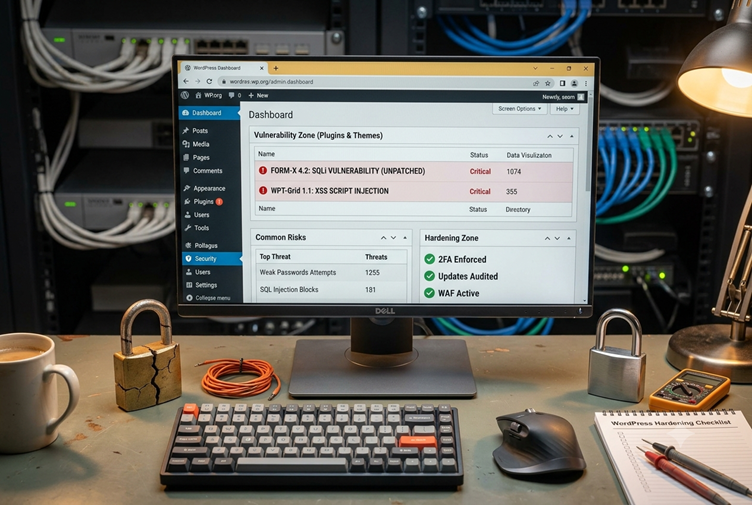
Occurs when malicious data is entered in to the input box/field, thereby executing unintended SQL commands on the database, which could lead to access or destruction of all data in the database. Often occurs in bad plugins that lack input validation.
4. Cross-Site Scripting (XSS)
Cross-Site Scripting (XSS) allows an attacker to sneak malicious scripts into web pages appearing to all other users. This technique is often used to steal session cookies or redirect visitors to phishing sites. XSS code is usually introduced through comment sections and form input fields.
5. Unsecured File Uploads
Your site uploads files (like resumes, pictures, or user pictures) who not enabled validation is, allows hackers to upload fake bag scripts and run them on your server:
6. Outdated PHP Versions
By running an end of life PHP version, you are not getting important security fixes. Based on WPBeginner hosting research, a very significant proportion of hacked sites use PHP versions that haven’t been maintained since years before the attack.
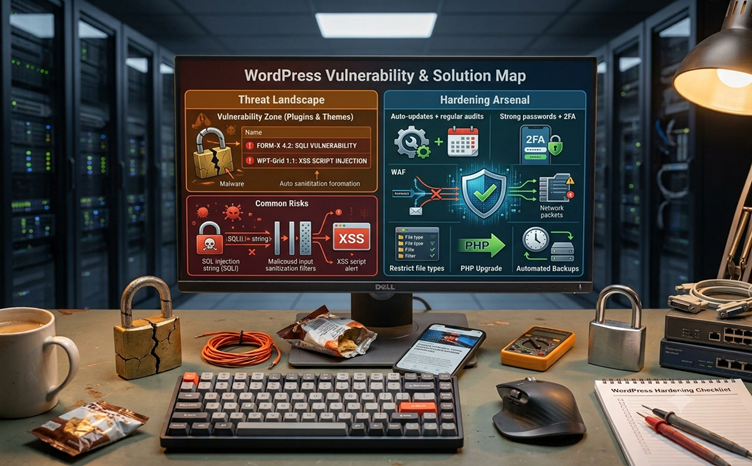
Vulnerability vs. Solution: A Quick Comparison
| Vulnerability | Risk Level | Primary Solution |
| Outdated plugins/themes | High | Auto-updates + regular audits |
| Weak passwords | High | Strong passwords + 2FA |
| SQL Injection | High | Input sanitization, reputable plugins |
| XSS attacks | Medium | Web Application Firewall (WAF) |
| Insecure file uploads | Medium | Restrict file types, scan uploads |
| Outdated PHP version | Medium | Upgrade to supported PHP version |
| No backups | Critical | Automated daily backups |
Ractical Solutions That Actually Work
Keep Everything Updated — Religiously
Simple, but does help immensely. If possible, activate auto-updates on your plugins and themes. Check your sites monthly on the ones that can’t update automatically.
Enforce Strong Authentication
Use strong, unique passwords along with two-factor authentication(2FA). It’s easy to enable this using plugins such as Wordfence or iThemes Security.
Install a Web Application Firewall (WAF)
A WAF blocks malicious traffic before it gets to your site. Cloudflare or Sucuri for example, work as a buffer zone between your visitors and your server, stopping known attack signatures on the fly.
Limit Login Attempts and Hide wp-admin
Blocking brute-force bots Login attack, logged out Access to the admin /wp-admin will be blocked if it has been changed its names or moved to a Custom URL that hidden, not the default /wp-admin.
Choose Plugins Carefully
Before installing any plugin, check:
- Last updated date (do not state anything untouched for more than a year)
- Active install count and reviews
- Be it checking against the WPScan’s vulnerability database
Back Up Everything, Automatically
Backups are your safety net. If things do go wrong, having a backup from yesterday or even last week is what makes a disaster a temporary setback. Deploy a plugin or utilize a hosting tool to keep backups in the cloud, not on the server.
Use Managed WordPress Hosting
Managed hosts such as Kinsta, WP Engine, or SiteGround incorporate server-level security – malware scanning, automatic core updates, and isolated environments – which greatly minimizes your risk compared to typical shared hosting.
My Honest Take After Years of Cleanups
If there’s any lesson I keep having to relearn, it’s that WordPress security is not simply a question of get the setup right and forget about it: it’s a question of treat it like tooth brushing. The hacked sites are not the sites with some complex targeted attack against them-they’re the sites that have been neglected: an outdated plugin, an unchanged admin password, a backup never configured.
The bad news? Every single one of these vulnerabilities with a solution is actually documented and easy to remediate. You don’t have to be a developer or script-kid in order to ensure WordPress security. Just employ consistency and the right tools doing the job behind the scenes.
Final Thoughts
Understanding what is WordPress at its core helps explain why security can’t be an afterthought — it’s the price of using the most popular, most extensible CMS on the planet. The flexibility that makes WordPress so powerful is the same flexibility that creates risk if left unmanaged.
The path forward isn’t complicated: update relentlessly, authenticate strongly, back up automatically, and choose your plugins with care.
Got a WordPress security story — good or bad? Drop it in the comments below, or share this post with a fellow site owner who’s still using “admin123” as their password. And if you want a deeper dive into hardening your specific setup, subscribe for our next post on advanced WordPress hardening techniques.



2 Comments